¶ Variables
The Geolocation Button app block provides a range of customizable variables, allowing you to adjust its appearance to match your store's style and needs. These variables can display country flags, currency symbols, and other relevant details to create a localized experience for your customers.
Below is a list of available variables and examples of how to combine them to create unique button styles.
¶ Available Variables
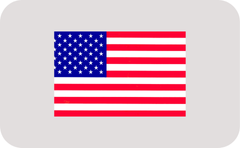
{flag}
Displays a square version of the country flag.
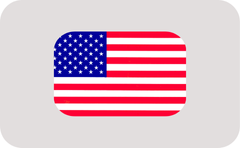
{rounded_flag}
Shows a rounded version of the country flag.
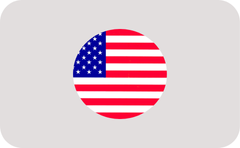
{circle_flag}
Displays a circular version of the country flag.
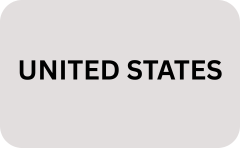
{countryName}
Full country name (e.g., "United States").
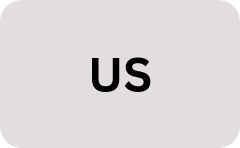
{countryCode}
2-letter ISO code of the country (e.g., "US").
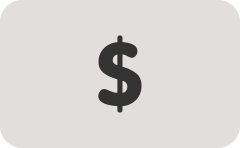
{currencySymbol}
Currency symbol (e.g., "$" or "€").
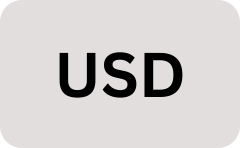
{currencyCode}
Abbreviated currency code (e.g., "USD" or "EUR").
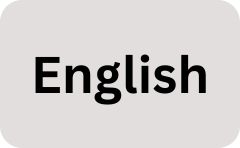
{languageName}
Language name (e.g., "English", "Spanish").
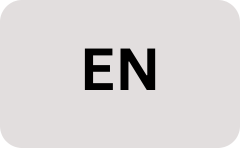
{languageCode}
Language code in ISO 639-1 format (e.g., "en", "es").

{disclosure}
An arrow or disclosure icon indicating additional options or a dropdown menu.
¶ Combined examples
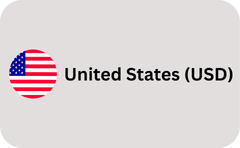
{circle_flag}{countryName} ({currencyCode})
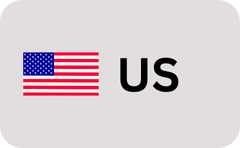
{flag} {countryCode}
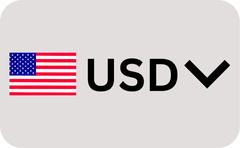
{flag} {currencyCode} {disclosure}
¶ Shopify App store Link
Shopify App Store
¶ Always here for you
For any assistance with enabling or customizing the geolocation popup, please do not hesitate to contact us. Our team is ready to help and can even customize the popup for you to ensure it perfectly meets your needs.
Email us at support@blazeappsoncloud.com for any help required. We are here to support you in making the most out of the Blaze Geolocation Redirect app.